


HomeCorporate Networks
The company network designed, documented and watched 24x7.
From cabling to Wi-Fi, from headquarters to branches. RR64 designs, deploys, operates and evolves the network, with any vendor.
Signs that the network is ready for the next step.
Every network that grows with the company reaches this point. These are the signs that it's time to take the next step.
- Unexplained slownessThe system freezes, the internet drops and no one can say why.
- Outages no one can findThe network goes down, comes back on its own and the problem stays hidden.
- Visitors on the company networkThe reception Wi-Fi sees the same servers as finance.
- Switches no one knowsEquipment with no known password, no updates and no management.
- Unrecorded changesSomeone changed something, no one wrote it down, and the next technician starts from scratch.
- Someone inside, no one seesA strange device enters the network and does as it pleases, without anyone noticing.
The next level for your network.
The network that brought your company this far has done its job. RR64 helps take it to the next level: scalable, reliable and highly available.
Swipe sideways to see the full diagram.
One cable in the wrong place takes the company down.
The most common and least understood problem: the loop. Both ends of the same cable plugged in at the same desk, and the whole network stops. In a network designed by RR64, only that port is blocked.
Swipe sideways to see the full diagram.
Who is inside your network?
The RR64 NOC watches every host. When a strange device appears, AI agents point it out and NAC.SIS isolates it. See Cybersecurity
Swipe sideways to see the full diagram.
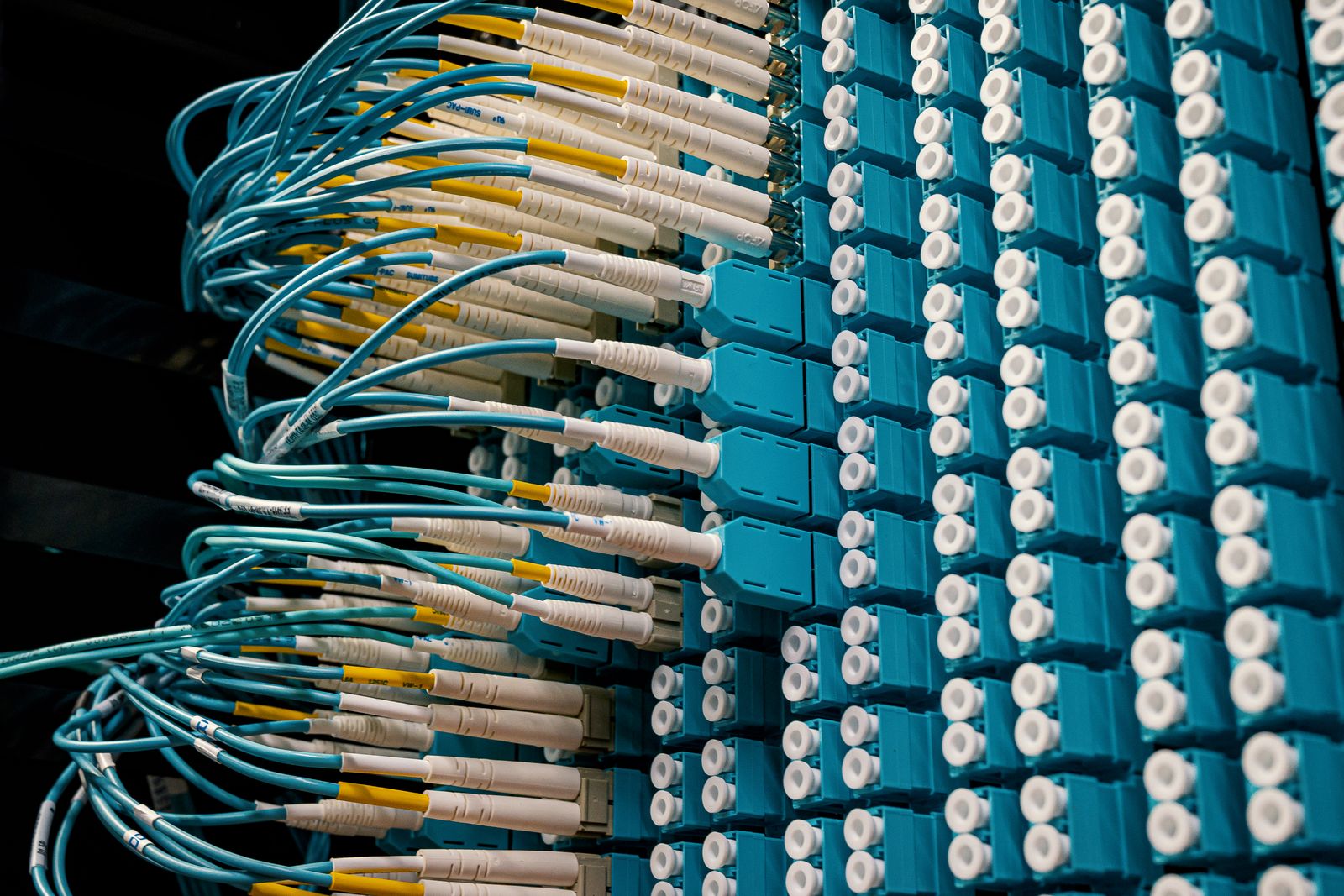
Every cable named. Every change recorded.
- Topology
- hierarchical, with a redundant core
- Monitoring
- every host, switch and Wi-Fi point, 24x7
- Changes
- recorded in SR64 and in the documentation
- Vendor
- any: RR64 masters the protocol and configures any equipment that speaks it
Wi-Fi that covers the whole floor.
Point-by-point coverage survey, access points in the right place, seamless roaming and visitors on a separate network.
Swipe sideways to see the full diagram.
From design to evolution.
Hire the whole cycle or only the missing step. Each scope is designed for your environment, with any vendor.
- Enterprise NetworkDesignAssessment, hierarchical topology, segmentation, addressing plan and documentation.
- Switching, Wi-Fi and cablingDeploymentStructured cabling, switches and access points installed and configured, with a coverage survey.
- Enterprise NOC24x7 operationEvery host, switch, Wi-Fi point and link monitored, with AI agents and tickets in SR64.
- Network AdvisoryEvolutionL2 and L3 engineering hours for complex problems and for the network to grow with the company.
Your company can also have its own autonomous system number (ASN) and its own IPv6 block. RR64 supports obtaining them from the registry and configures BGP. The stock of new IPv4 has run out, so the way forward is IPv6. See own ASN and IPv6
Headquarters and branches on the same NOC.
Each site with a primary and a backup link, anywhere in the country. When a link goes down, the other takes over and the RR64 NOC is already handling it.
Swipe sideways to see the full diagram.
Illustrative screen with fictitious data.
Documentation documentation.
The documentation is sent to the client, and RR64 keeps everything up to date as the network grows, changes and improves.
Revision history
Documentation updated and sent to the client
| Segment | VLAN | Network | Access to |
|---|---|---|---|
| Administration | 10 | 10.10.10.0/24 | Servers, internet |
| Servers | 20 | 10.10.20.0/24 | Per rule |
| Cameras | 30 | 10.10.30.0/24 | Recorder only |
| Visitors | 40 | 10.10.40.0/24 | Internet only |
| IoT and printers | 50 | 10.10.50.0/24 | Print server |
| Management | 99 | 10.10.99.0/24 | NOC RR64 |
| Device | Role | Location | Firmware |
|---|---|---|---|
| FW-01 | Firewall | Technical room | up to date |
| CORE-01 / 02 | Core | Technical room | up to date |
| DIST-01 / 02 | Distribution | Technical room | up to date |
| ACC-1A to 4A | Access | 1st to 4th floor | up to date |
| AP-01 to AP-12 | Wi-Fi | All floors | up to date |
| Patch panels | Cabling | Floor racks | certified |
Illustrative example with fictitious data.
Let's design the solution for your environment?
First we understand your environment. Then we design the solution, with no standard proposal.
- contato@rr64.net
- Phone
- +55 19 3825-7060
- Address
- Rua 13 de Maio, 720, Centro, Indaiatuba (SP), Brazil